Windows
 Apple Silicon


Table of Contents
If you see the message “Network error, please click retry” while using PrAide, you can troubleshoot the problem by checking the following common causes one by one.
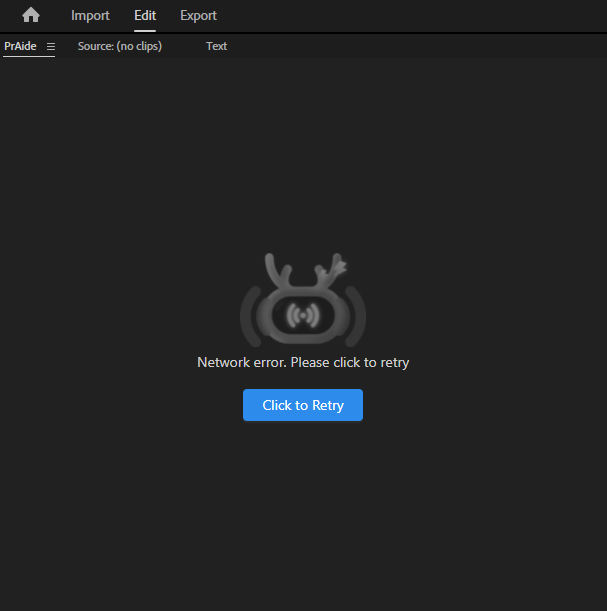
1.VPN Is Enabled
In some cases, an active VPN may interfere with PrAide’s network connection.
Solution: Please disable your VPN and try again.
2.Poor Network Connection or Loose Ethernet Cable
Please check whether the Ethernet cable is securely plugged in and confirm that your current network connection is stable.
3.Incomplete or Corrupted Premiere Pro Installation
Please use a complete Premiere Pro installer. If you cannot verify it, contact [email protected] for assistance.
Follow the steps below to check your Premiere Pro network status.
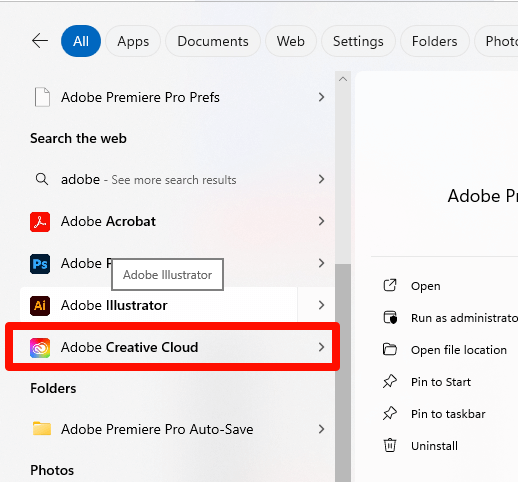
Method 1: Press the “Win” key to open the menu, search for Adobe Creative Cloud, and click to open it.
Method 2: In Premiere Pro, go to Help → Sign In.
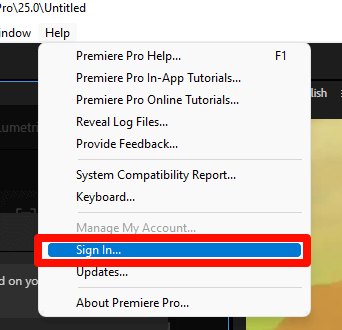
Normal online status:
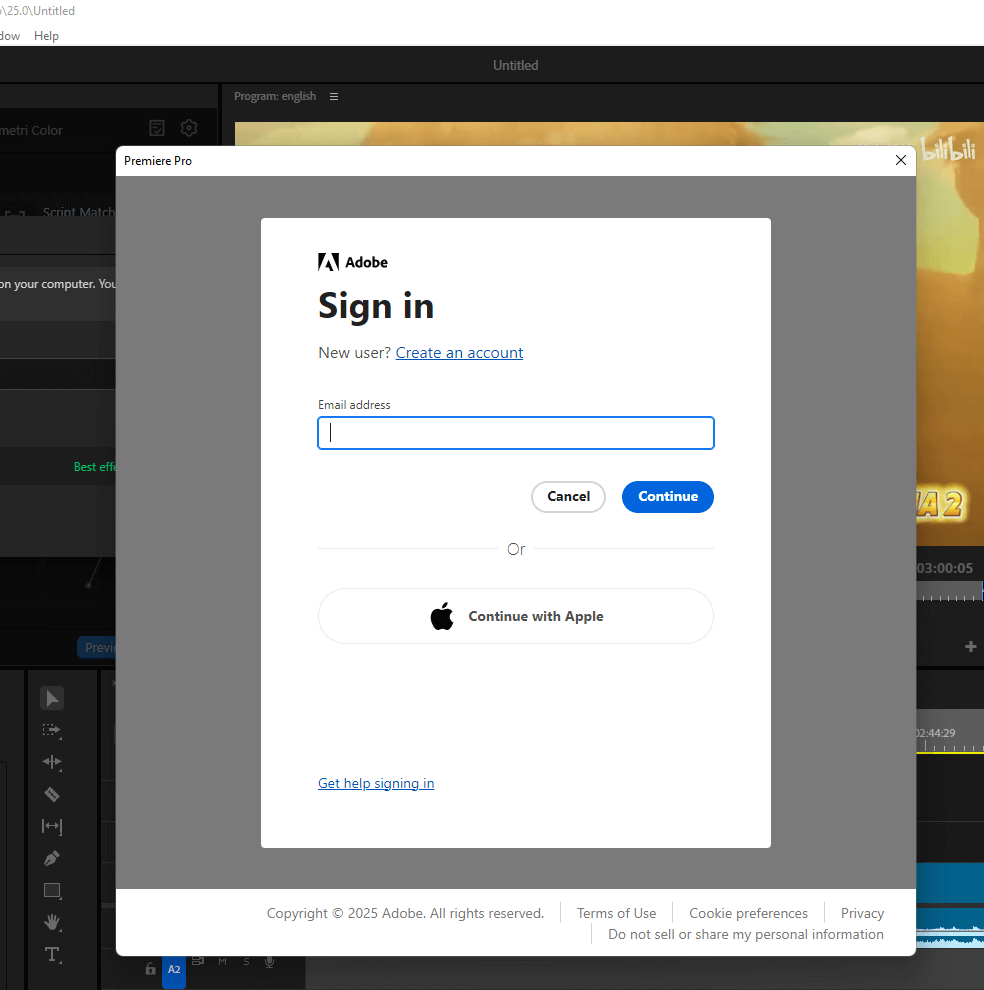
Offline / unable to connect status:
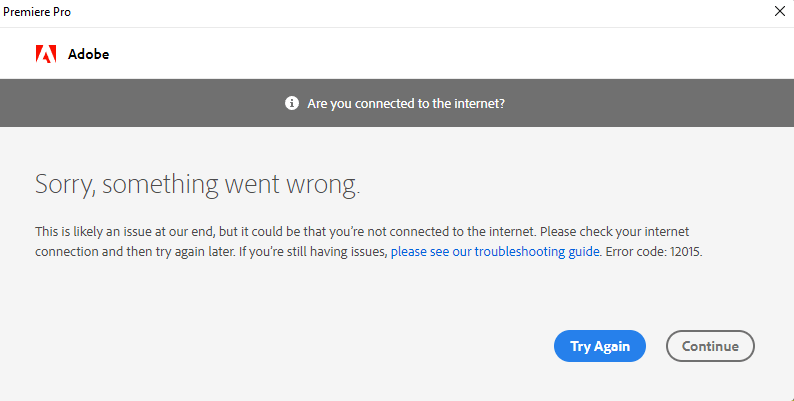
4.Incorrect System Time Settings
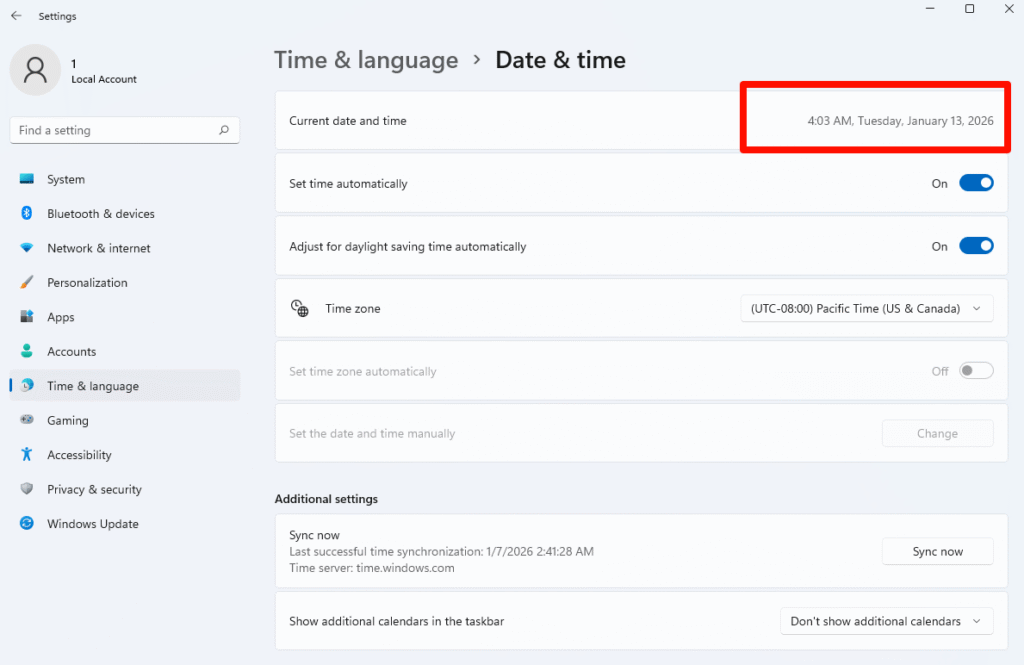
Please enable automatic time settings to ensure your system time matches the current real time.
Error Prompt :
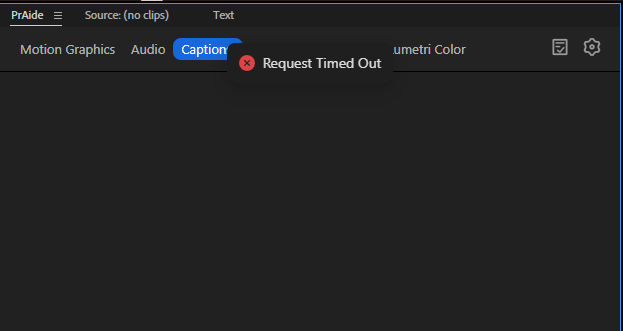
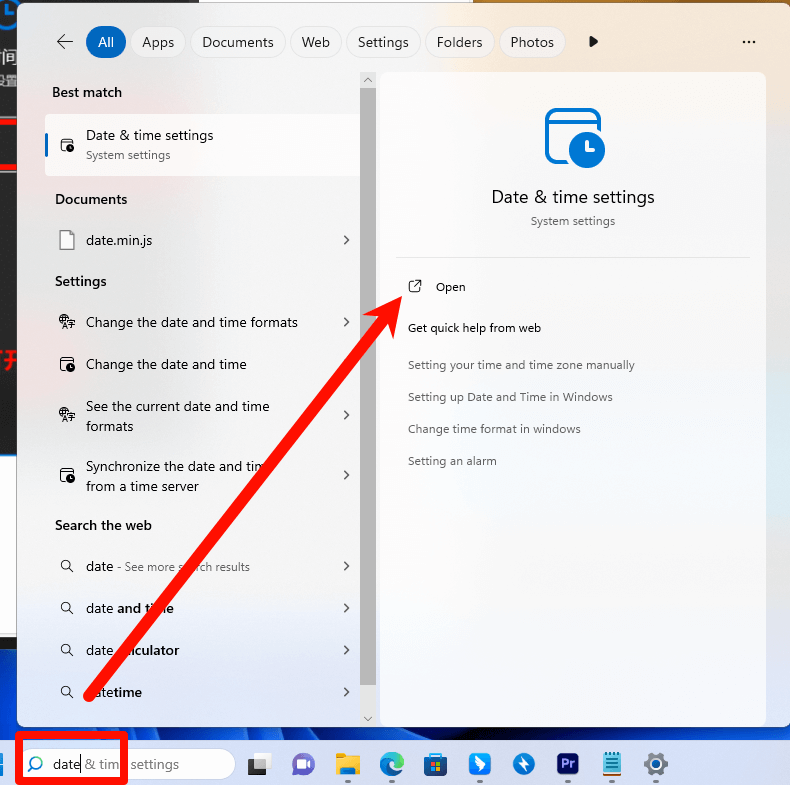
How to enable system time ↓
(1)Press the “Win” key, type “Date”, and click “Date & time settings.”
(2)Check whether the system date and time are correct.
If the issue persists after following the troubleshooting steps above, please contact [email protected] for further assistance.

How to Obtain an Invitation Code
· Get it via our discord community.
· Email [email protected] to request one.
Download for Windows / Mac:
Help:
帮助中心